Terminus Day Zero Accessibility, Deck, and Comfort
What the Steam tags promise, what a handheld session feels like, and what the build does not support.
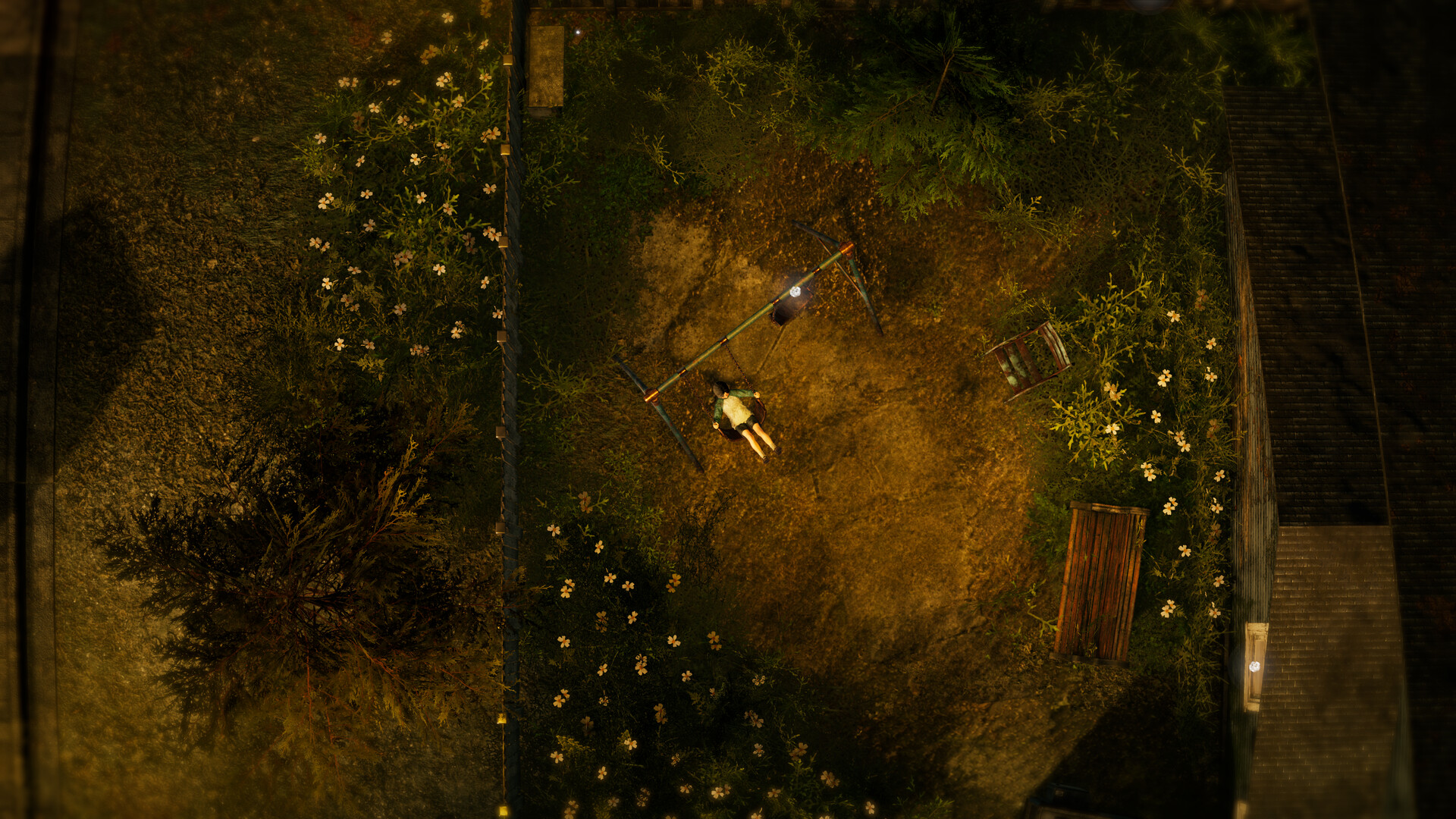
Terminus: Day Zero is a short Windows game on Steam, and the store page is unusually explicit about comfort. Six accessibility categories sit next to the usual Cloud and Family Sharing ticks. This page says what those ticks mean for Daisy’s day, how Steam Deck is rated, and which platforms Longplay has already ruled out. Input habits — when to click a door, when to wait — stay on Controls. Hardware minimums stay on System Requirements.
The six accessibility tags
Steam categorizes the build with:
- Save Anytime. You are not locked to chapter checkpoints. Before a lure you are unsure about, or before you drop into a yard feature you cannot see the bottom of, save. The game is short, but a bad commit still costs the mood of a first run.
- Camera Comfort. Top-down horror can still churn the camera. If motion makes you miss a door, use the comfort option before you blame your timing. The store lists the category; it does not publish a screenshot of every slider. Look in the in-game options rather than a wiki diagram of a menu we have not photographed.
- Custom Volume Controls. Separate levels exist so music can sit under footsteps. The soundtrack is lovely and optional. It should not cover a shuffle in the hall. Headphones help. Stereo Sound, the sixth tag, means you do not need a surround setup to hear the mix as designed.
- Mouse Only Option. The game can be played with the mouse. Launch reviews that called it point and click were describing this, not a different mode. Keyboard is also part of the PC feature set reported alongside the Deck test, but the accessibility promise is that a mouse-only session is valid.
- Playable without Timed Input. Steam’s category means the game can be completed without timed button presses. Do not build a strategy around quick-time mashes. Holding still in a hide is patience, not a countdown minigame you can fail by being 200 milliseconds late. If a moment feels like a test of reaction speed, you are probably late to a door or a lure, which is a positioning problem covered in How to Hide and Distractions.
- Stereo Sound. A stereo mix is the intended audio. You do not need a multi-speaker living room.
Those six are the set coverage has been calling “six accessibility features.” Cloud saves and Family Sharing are separate store features, not extra comfort tags, and both are on.
Steam Deck
Steam’s Deck compatibility for Day Zero is Playable, not Verified and not Unsupported. The public notes, also mirrored by SteamDB from a test around November 13, 2026, say:
- The game sometimes shows mouse, keyboard, or non-Steam-Deck controller icons.
- Some in-game text is small and may be hard to read.
- All functionality is accessible with the default controller configuration.
- The default graphics configuration performs well on Steam Deck.
- The same build is marked compatible with SteamOS.
Playable is an honest word for this game. A child-scale character, small interact labels, and a mouse-first adventure will always be kinder on a monitor. On a Deck, sit closer to a docked screen if the text shrinks, and expect the on-screen glyphs to mention a mouse even when your hands are on the pad. The default controller layout is enough to finish. You do not need a community layout to reach the end, though you might want one if the icons annoy you.
Performance is the easy part. The recommended desktop GPU is a GTX 1060 or RX 580 class card, and the minimum is a GTX 750 Ti or Radeon R7 360, with 8 GB RAM minimum and 16 GB recommended. A Deck clears that kind of 2D-leaning top-down scene at the default settings the test called out. Storage is 3 GB of free space either way. If the device is full, that is the blocker, not the GPU.
What is not supported
Longplay’s pre-launch FAQ, still accurate at release, limits the game to Windows PC on Steam. There were no plans for console, mobile, or Mac. The Steam platform flags match that: Windows yes, Mac no, Linux no. Family Sharing lets another Steam account in the family play the free build under Steam’s normal sharing rules. It does not add a second player in the room. Day Zero remains single-player. Terminus: Zombie Survivors 2 is the later product that talks about playing alone or with friends, and it is a different store page.
Languages on the store are English, Korean, Simplified Chinese, and Japanese, for interface and subtitles. The language table does not mark full audio. You will read Daisy more than you will hear a dubbed performance. This wiki’s Japanese and Korean pages are for readers of the guide, not a claim that we ship extra dubs.
Age ratings on the store data include DEJUS 12 with a violence descriptor and a German steam rating of 16 for violence. The global store required-age field is 0, so the page itself may not gate you, but the content is a child in an outbreak. If you are deciding for a younger player, read the review before you install. The game is free. It is not light.
A setup pass that takes one minute
- Install from the official app, linked on Links.
- Confirm the machine against System Requirements or accept the Deck “Playable” notes above.
- Open options. Set camera comfort if motion bothers you. Drop music until effects read clearly.
- Leave mouse-only on if that is how you want to click lures and doors. Rehearse one door close in the quiet house.
- Save once before you leave the property, using Save Anytime rather than hoping for a checkpoint.
That pass is the entire accessibility strategy. There is no colorblind mode documented on the store category list, so this page will not invent one. There is no timed-input gauntlet to disable, because the tag says the game is already playable without one.
Where comfort meets the route
Small text on Deck matters most outdoors, where a bottle and a fence gap can sit a few pixels apart. If you mis-click, you may spend the lure the distractions guide told you to save. Dock, or zoom your session, before the street. The road problem on Roads and Yards is a reading problem. Unread labels make it worse.
Cloud saves matter if you start on a desktop and finish on a Deck. The story is short enough to do in one sit, but the tag is there so a second device does not start you over. Family Sharing matters if a household has one payer and several players. Again: one player at a time. Daisy does not have a partner character to hand a controller to.
Use the tags as promises, then use the guides as habits. Comfort options do not walk the yard for you. They keep the camera, the mix, and the save file from becoming the reason you quit a thirty-minute story.
Frequently Asked Questions
Quick answers for Daisy's first day of the outbreak.
Does Day Zero require quick-time button presses?
Steam tags it Playable without Timed Input, meaning it can be finished without timed button presses. Positioning still matters.
Can I play with only a mouse?
Yes. Mouse Only Option is an official Steam accessibility tag, and launch play felt point-and-click to several reviewers.
Is Steam Deck Verified?
It is Playable. Default controls and graphics are fine, but some text is small and some icons still show mouse or keyboard glyphs.
Is there a Mac or console version?
No. Longplay’s FAQ limits the release to Windows on Steam, with no Mac, console, or mobile plan at launch.